 JawAtlas
Window and level in CBCT, and why grey values are not Hounsfield units
What window width and level do when you read a dental CBCT scan, and why CBCT grey values should not be treated as calibrated Hounsfield units.
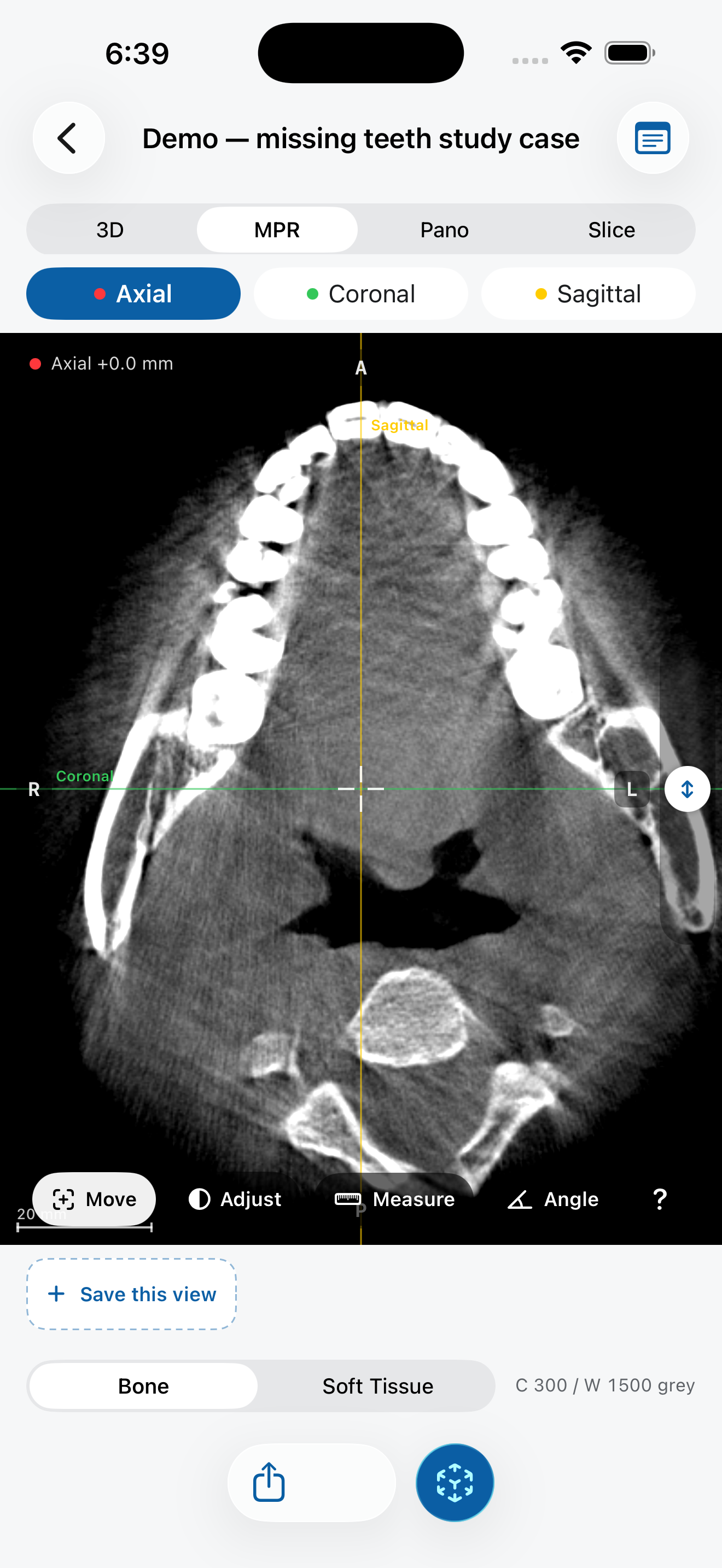
A CBCT scan stores far more grey levels than a screen can show at once. Windowing chooses which part of that range to display, and how to spread it across black to white.
Window width and level
- Level (also called centre) is the grey value shown as middle grey. Raise it and the image gets darker, because more of the scan falls below the middle.
- Width is the range of grey values spread between black and white. A narrow window gives strong contrast between similar tissues; everything outside it is clipped to pure black or pure white. A wide window shows more tissues at once with less contrast.
Windowing never changes the data. It only changes how the data is mapped to the screen, so it is always safe to experiment. A narrow window is useful for small density differences inside bone; a wider one helps when you want teeth, bone and soft tissue visible together.
Why CBCT grey values are not Hounsfield units
In medical CT, Hounsfield units (HU) are calibrated so that water is 0 and air is about minus 1000. That makes it possible to compare numbers between scans. CBCT works differently: the cone-shaped beam, scattered radiation, beam hardening and the limited field of view all shift grey values. The same bone can produce different values on different machines, with different settings, or even in different parts of the same scan.
So a CBCT grey value is useful for seeing contrast inside one image, but it is not a reliable measure of density. Treating it like HU, for example to grade bone quality from a number, is a common mistake. JawAtlas labels these numbers as grey values for exactly that reason.
Further reading
- Pauwels R, Jacobs R, Singer SR, Mupparapu M. CBCT-based bone quality assessment: are Hounsfield units applicable? Dentomaxillofacial Radiology, 2015.
Try it in JawAtlas
On the demo scan, switch to Adjust mode and drag on a slice to change brightness and contrast. Try a narrow window on the bone, then a wide one, and see what disappears.
Get JawAtlas free on the App StoreThis guide is for education and training. JawAtlas is not a medical device and must not be used for diagnosis, treatment planning or any clinical decision.